
Logging into the application
Login page
The application is accessed at: https://reklamator.app
The connection to the server is always encrypted.
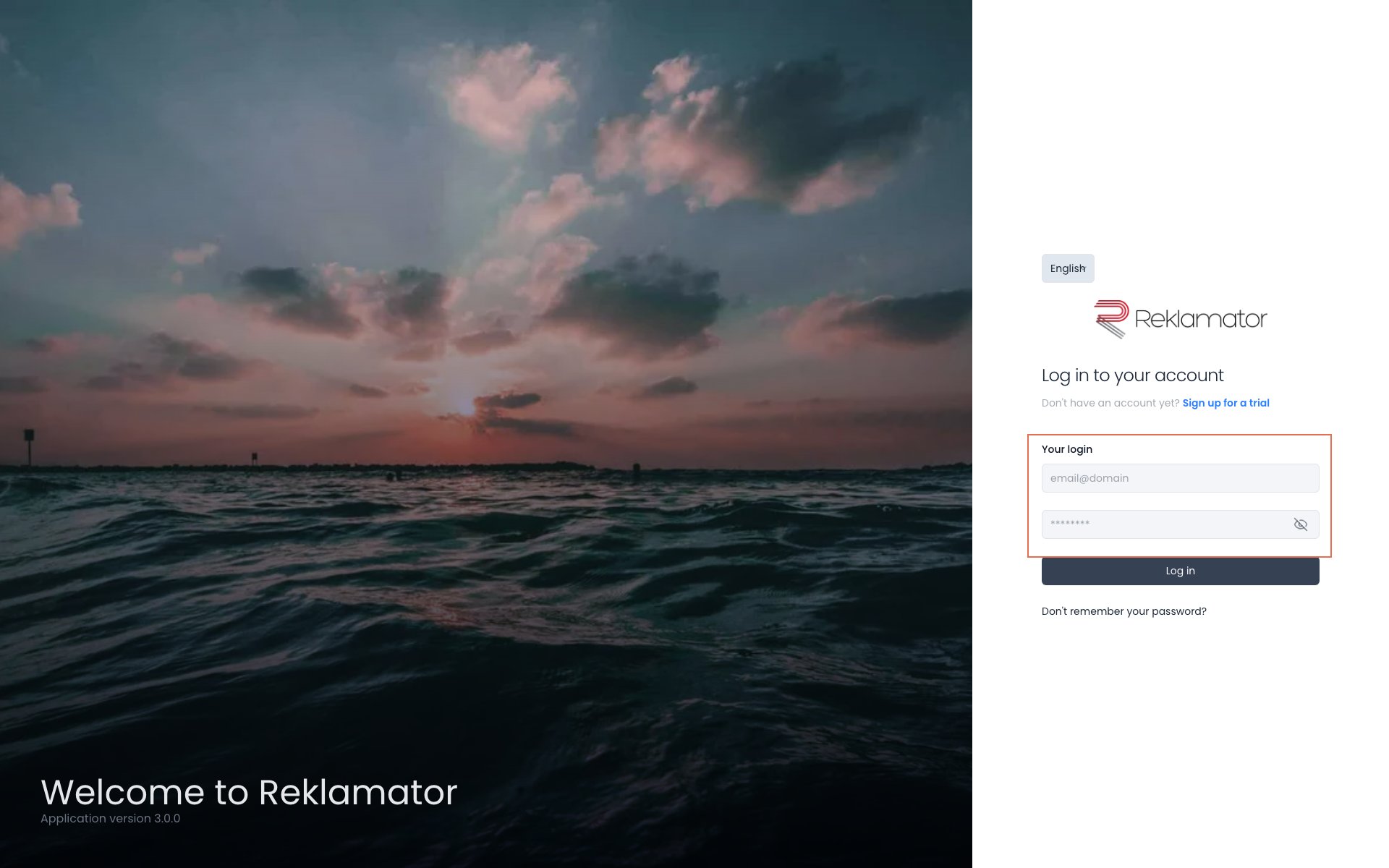
The login page displays a form with two fields: Your login (email address) and Password. Fill in both fields and click Log in.
If you do not have an account yet, use the Sign up for a trial link displayed below the form heading.
Login screen
Error messages
| Message | Cause |
|---|---|
| Invalid login credentials. | Incorrect email address or password. |
| Your account is blocked. Contact your application administrator. | The account has been manually blocked by an administrator. |
| Your account is disabled. Contact your application administrator. | The account is inactive. |
| Access to the application has expired. Contact the administrator for more information. | The access period for the application has ended. |
Password reset
If you have forgotten your password, click the Don't remember your password? link below the login form.
Password reset screen
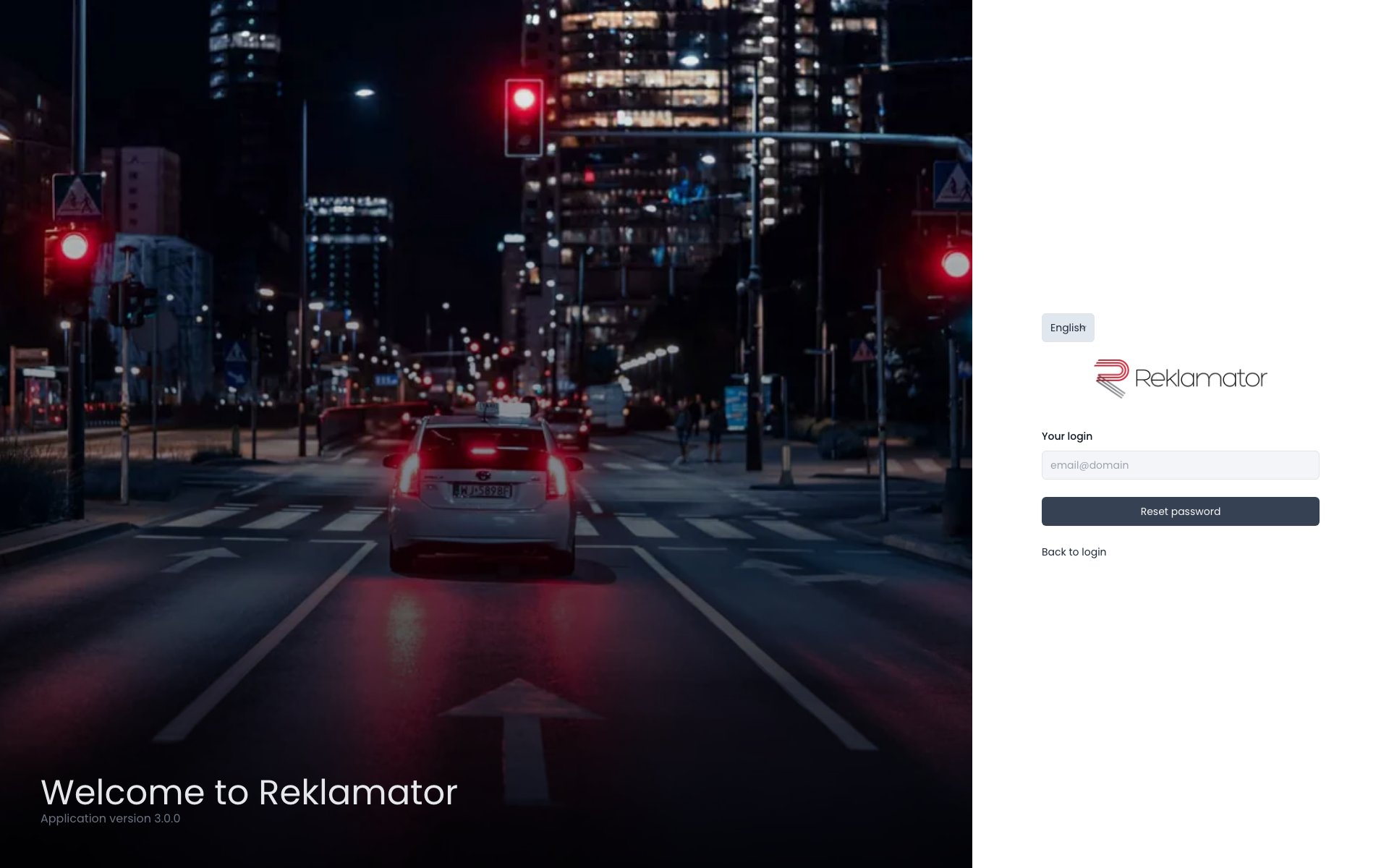
Enter your email address and click Reset password. If an account with that address exists in the system, an email with further instructions will be sent.
Note
For security reasons, the message is displayed regardless of whether the account exists — the system does not disclose whether a given email address is registered.
After clicking the link in the email, the password will be reset and new login credentials will be sent to the user's email address.
If the link has expired or is invalid, the following message will appear: Incorrect confirmation data or the link has expired. — in this case, repeat the process from the beginning or contact your account administrator.
FAQ
What is the application address?
The application is available at https://reklamator.app.
What should I enter in the "Your login" field?
Enter the email address associated with your user account in the system.
What should I do if I see "Your account is blocked"?
The account has been blocked by an administrator. Contact the Account Administrator in your organisation.
How many times can I enter an incorrect password?
The system does not lock the account after a set number of attempts — however, after too many failed attempts you may be required to verify or contact an administrator.
I forgot my password — what should I do?
Click the Don't remember your password? link below the login form, enter your email address, and follow the instructions in the message you receive.
How long is the password reset link valid?
The link is one-time use and expires after a period of time. If the link has stopped working, fill in the password reset form again.