
Issue types
Issue types
An issue type defines the structure and behaviour of issues in a given category. Each type has its own workflow, fields, categories, and form assigned.
Management is available under Configuration → Issue types.
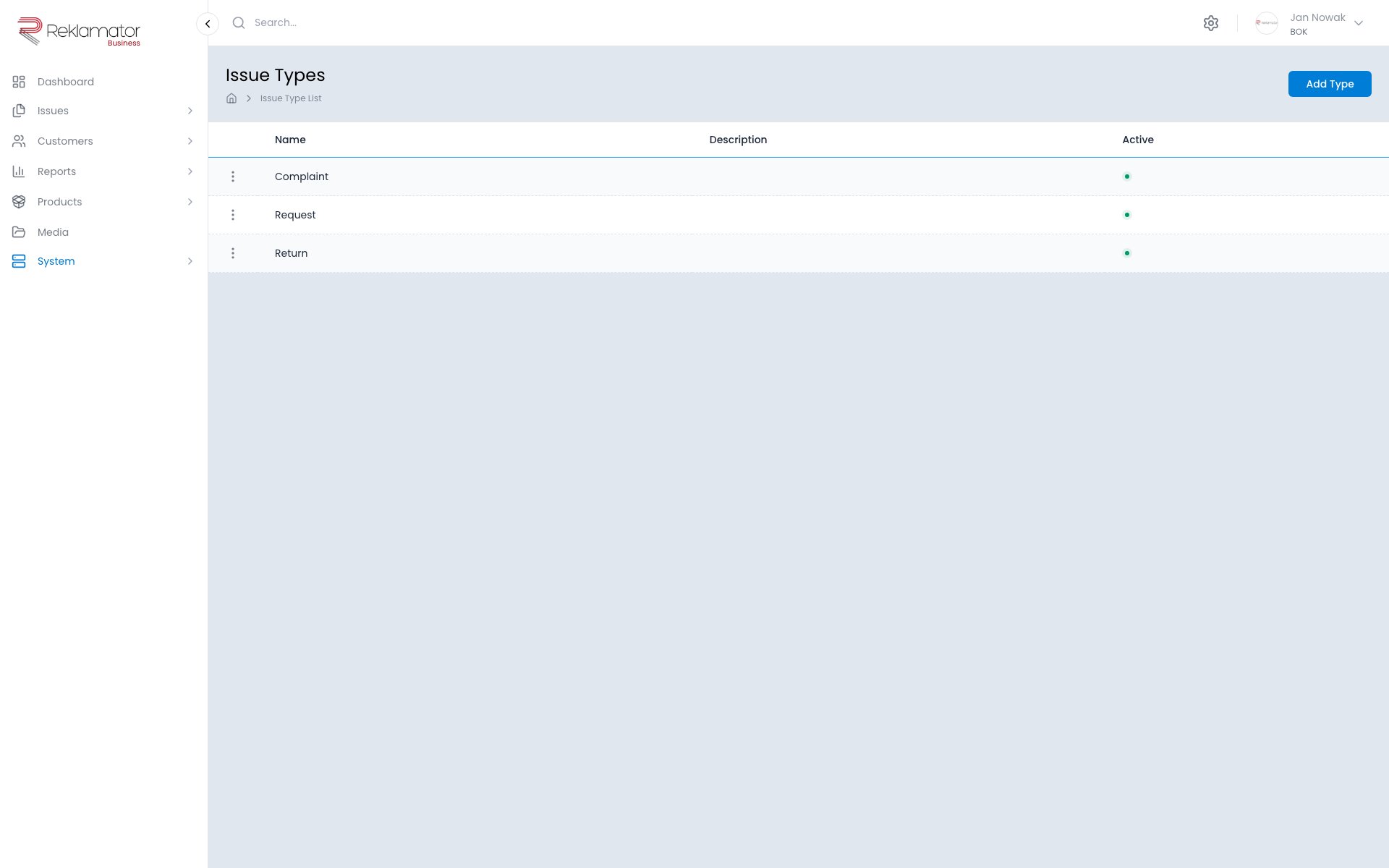
Issue type settings
Basic
- Name — multilingual name displayed in the interface
- Description — optional multilingual description
- Workflow — assigned process (steps, statuses, transitions)
- Active — whether the type is available when creating new issues
Issue numbering
- Number format — automatic numbering pattern, e.g.
RKL/{year}/{seq} - ID length — minimum length of the sequential number (zero-padded)
- Current ID value — current value of the sequence counter
- Automatic reset — when the counter resets: never, daily, weekly, monthly, yearly
The form shows a live preview of example numbers.
Deadlines and alerts
- Days to finish — maximum resolution time; exceeded issues are highlighted
- Overdue issue colour — highlight colour for overdue issues
- Days to alert — how many days before the deadline an issue is flagged as at risk
- At-risk issue colour — highlight colour for issues approaching their deadline
Escalations
- Escalations — enables or disables the escalation mechanism for this issue type
- Escalation template — message template sent when an escalation is triggered
Related configuration
From each issue type's menu you can navigate to:
- Categories — category tree for issues of this type
- Fields — additional fields for the issue form
- Remote forms — public issue submission form for customers
- Business rules — action automation
- Status page — public page for tracking issue status
- Reports — reports assigned to the issue type
FAQ
How many issue types can I create?
The number of types may be limited by the subscription plan. Each type can have its own workflow, fields, categories, and form.
Can the workflow assigned to an issue type be changed?
Yes, but the change will only affect new issues. Existing issues remain in their current steps.
How does the issue number format work?
The format defines the automatic numbering pattern. Available variables include {year}, {month}, {seq}. The sequence counter can be reset daily, weekly, monthly, or yearly. The form shows a live preview of example numbers.
Can an issue type be inactive?
Yes. An inactive type is not available when creating new issues, but existing issues of that type remain visible in the system.
What are escalations?
An escalation is an automatic notification (e.g. email) sent according to defined rules. The escalation template defines the content of that message.